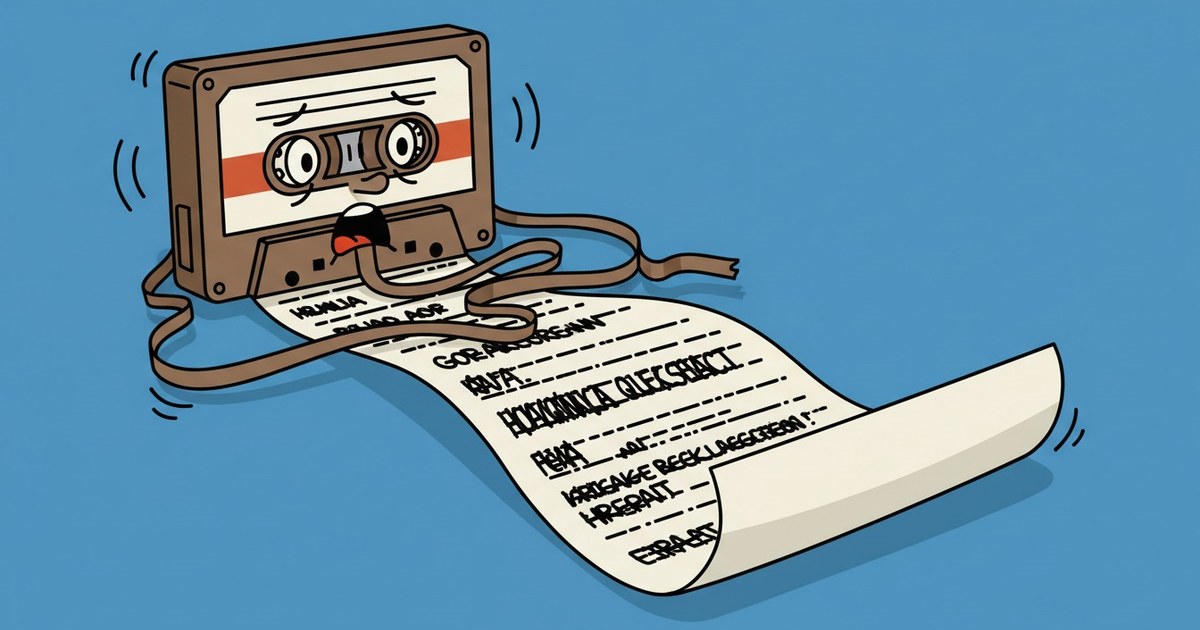
Zoom, Meet, and the rest have built-in AI assistants that transcribe and summarize your calls automatically. Everything that happens outside those platforms — a conversation in a room, a dictaphone recording, an in-person interview, an offline meeting — falls through the gap. There was no convenient tool where you just drop an audio file and get a proper dialogue with speakers and timestamps. Cloud ASR means handing your recording to a third party. The alternative was fiddling with pipelines nobody has time to assemble.
So I built my own. CPU-only, free models, no cloud ASR. It outputs a Markdown dialogue with speakers and timestamps. It has a REST API and an MCP server so your AI client can submit audio, wait, and read the transcript itself. The repository is at the end of this post.
Where the gap is
Online calls are a solved problem. Zoom, Meet, and similar platforms ship with AI assistants that handle transcription and summarization natively. You start the call, the assistant joins, you get a transcript when it ends.
Offline conversations have no such assistant. A recording from your phone, a meeting in a conference room, a field interview — none of these live inside a platform with a built-in AI layer. The tools that exist either require uploading your audio to a cloud ASR service or demand enough manual setup that you stop before you start.
What I wanted was simple: my own transcriber, on my own machine, with audio that never leaves. No third-party ASR, no API keys to a cloud speech service, no recording sitting on someone else's server.
What it does
The transcriber runs entirely on CPU using free models. No GPU required, no cloud ASR calls. The output is a Markdown dialogue — not a wall of continuous text, but a conversation broken into turns, each labeled with the speaker and a timestamp. You can read it directly or feed it into any downstream tool.
On top of the transcription engine, there is a REST API and an MCP server. With the MCP layer, your AI client — Claude, for instance — submits the audio file itself, waits for processing to finish, and pulls the completed transcript into its own context. You do not manually trigger transcription and copy the result. The client handles the whole loop.
What is inside
The stack, briefly:
- faster-whisper on CPU (int8) — speech recognition without a GPU, running in integer quantization so it works on an ordinary processor.
- Diarization: sherpa or pyannote — speaker labeling, your choice of one of two engines.
- Languages: en / ru / mixed (multi) — English, Russian, and a mixed mode for conversations where languages alternate.
- One-time upload links — convenient for uploading audio from a phone via Claude.ai: you get a link, upload the file, the link expires.
- Audio deleted after processing — everything stays on your machine. The recording does not linger on the server longer than the processing requires.
Those last two points — one-time links and audio deletion after processing — are the reason this runs locally in the first place. The recording of your conversation does not travel to a third-party ASR. It is processed on your hardware and erased when processing is done.
Get the repository
Repository: https://github.com/dobryakov/local-transcribe-audio-mcp
If you also wanted a transcriber that sits under Claude and does not ship your audio to a cloud provider — and a bit of Linux does not scare you — the repository is here. It comes up the usual way through docker compose.